How it works

How Digital Media Planning Works in 4 Steps

Plan, approve, and track campaigns in one media planning software workflow. No spreadsheets, no version chaos. Your team stays aligned and your delivery stays on target.

The media planning tool works with unlimited users and shared access across teams and clients.

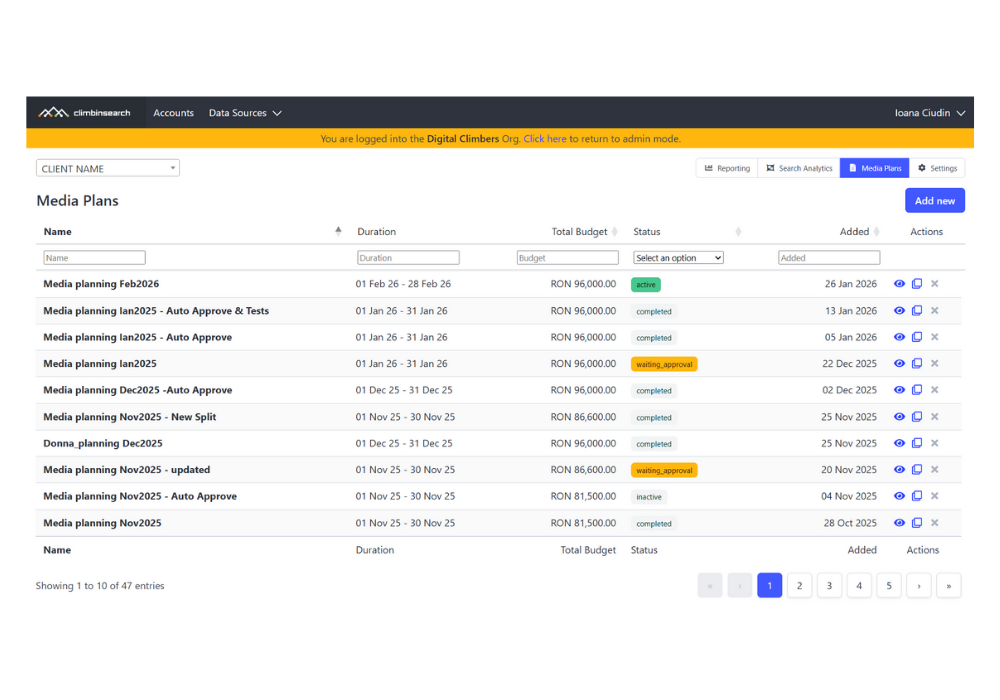
1. Create the Plan

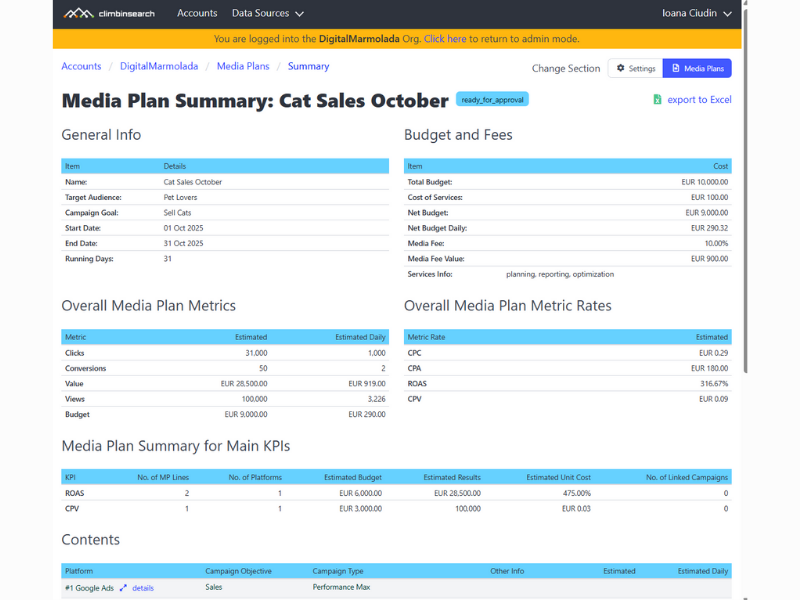
Set up your campaign structure, budget timeline, and KPIs.

Start from scratch or duplicate an existing media plan in seconds.

2. Add Budgets & KPIs

Define spend and KPIs by channel, platform, and campaign type. The tool calculates totals, pacing, and targets automatically. No formulas to fix.

3. Get Approvals

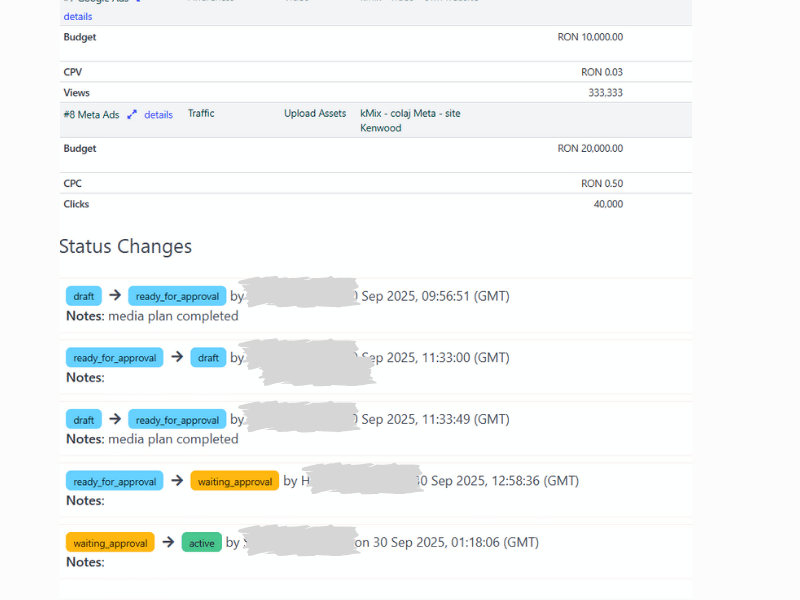
Use built in approval flows with clear status changes and history. Every update is logged, so everyone works on the same version.

4. Link to Live Campaigns

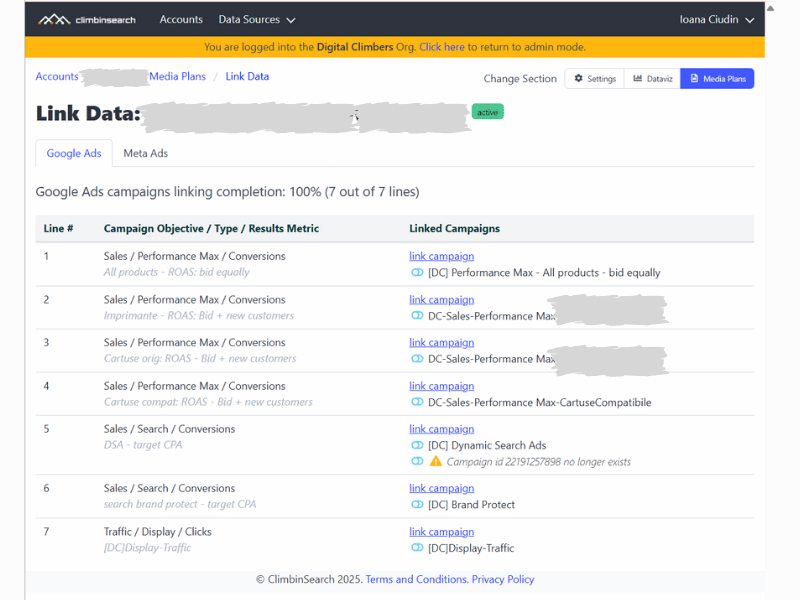
Connect plan lines to Google Ads and Meta campaigns. Track Planned vs Achieved daily and spot pacing issues early, before the month is over.
Unlimited Media Plans, Unlimited Admin  Users, Unlimited Client Users.
Digital Media Planning Tools. Start Free. Plan in Minutes.
Start for Free
Integrations

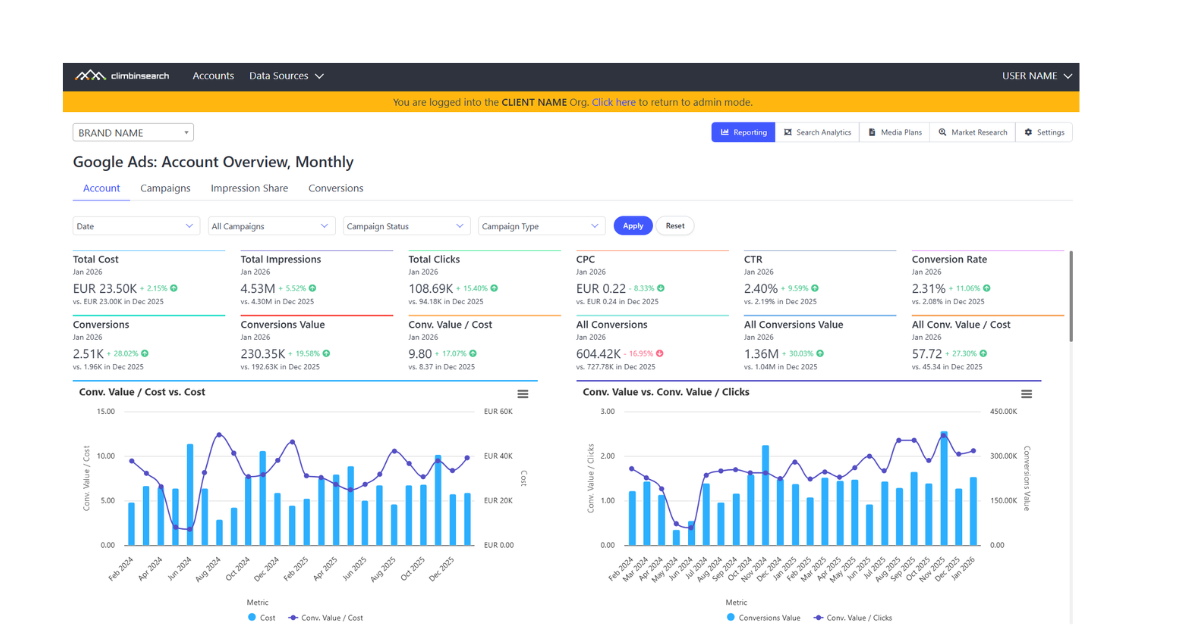
Planned vs Achieved, Every Day

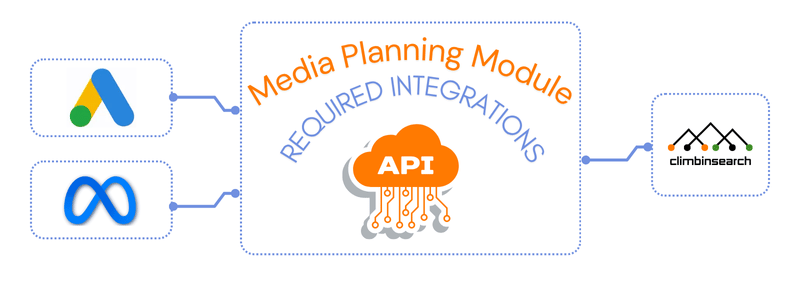
Our media planning software syncs daily with Google Ads and Meta Ads.

Once your plan lines are linked to live campaigns, Achieved updates automatically and pacing stays visible in real time.
media plan summary in Climbinsearch

Digital media planning tools that keep delivery on track.

Standardize planning and approvals, then track Planned vs Achieved automatically as campaigns run.

One source of truth for the whole team.
No spreadsheets. No version chaos.
Book a Demo

Frequently Asked Questions

ClimbinSearch Media Planning is a digital media planning tool built to replace scattered spreadsheets with one usable system after campaigns launch.

Below are answers to the questions teams ask when they want predictable delivery, faster alignment, and clear pacing control.

Still have questions?

Show us your current planning workflow and we’ll recommend the best setup in ClimbinSearch, including KPIs, approvals, and Planned vs Achieved tracking.
Contact Us
We already plan in spreadsheets. What problem do digital media planning tools solve?

Most teams can build a plan in a spreadsheet. The problem is keeping it usable once execution starts.

Digital media planning tools turn the plan into a live system. Budgets, KPIs, assumptions, and approvals stay in one place, so the plan does not become outdated the moment campaigns go live.

How is this different from a media plan template?

Templates help you format.

Media planning software helps you operate.

It is built for execution reality: pacing, Planned vs Achieved, and weekly decisions made while the plan is live, not after the campaign ends.

Who uses Media Planning day to day?

Specialists use it to manage budgets, pacing, and optimisations across channels.

Client leads use it to track delivery versus plan and keep stakeholders aligned.

Clients and partners use it to review the same numbers and approvals inside the tool, not exported versions.

When do digital media planning tools make the biggest difference?

When campaigns are active and timing matters: fixed flight dates, strict budgets, multiple channels, or multiple stakeholders.

If you have ever discovered too late that delivery drifted from the plan, this is the layer that prevents it.

What does Planned vs Achieved mean in practice?

It means comparing what you forecasted with what is actually happening while there is still time to intervene.

When pacing breaks, you can adjust budgets, channel mix, or optimisation priorities early, instead of explaining misses at the end.

Do you support Google Ads and Meta inside the same media plan?

Yes. ClimbinSearch connects to Google Ads and Meta Ads so you can link plan lines to live campaigns and keep Planned vs Achieved updated automatically.